
The End-to-End MyFISA Process
A step-by-step walkthrough of a forensic investigation matter from initial assignment intake to client report delivery.
Assignment Intake & Gatekeeping Validation
Phase 1The Adjusting Team submits an assignment request to the forensic firm. The firm establishes a budgetary cost estimate and submits it for carrier approval.
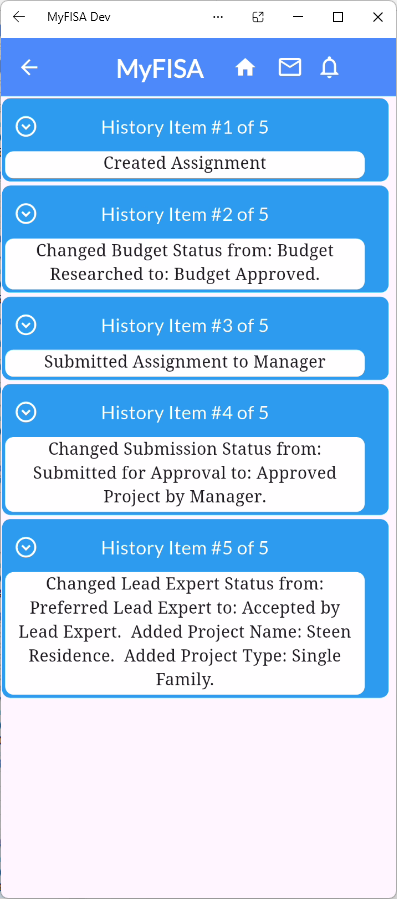
Figure 3.1: Automated History Log tracking Budget Approval and Manager Submission.
Folder Structure & Field Data Collection
Phase 2Field personnel inspect the property using cross-platform devices (iOS, Android, Windows, Mac). Photos are compressed prior to transmission to save bandwidth while preserving high-res clarity.
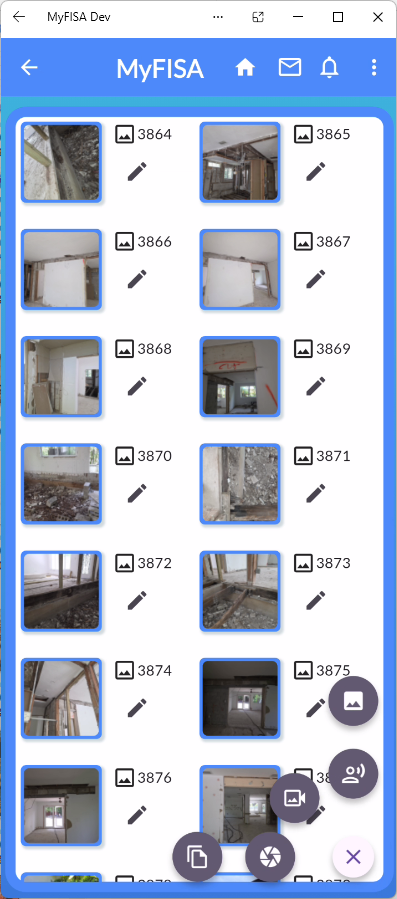
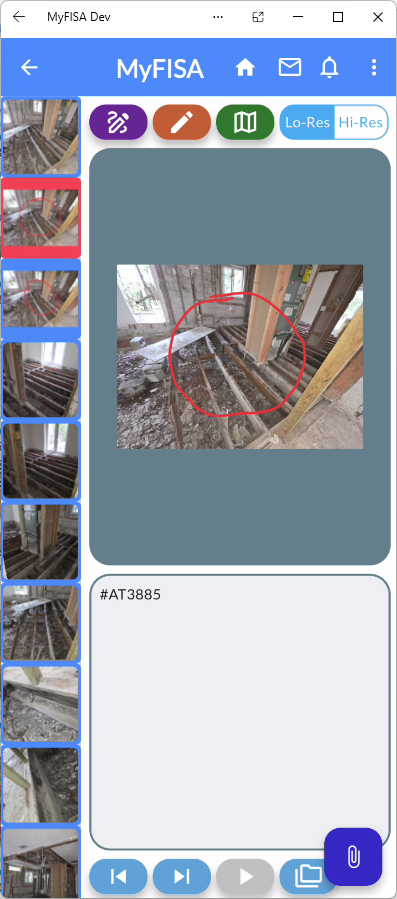
Figure 3.2: Standardized photo grid and native markup tool pinning annotations to site images.
Integrated Technical Analysis & Wind Calculations
Phase 3For weather or catastrophic storm matters, engineers launch the native WindXpert module directly from the location menu.
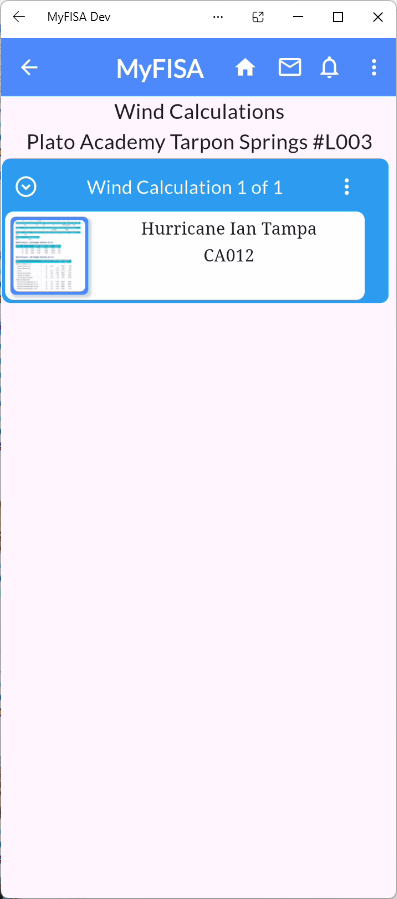
Figure 3.3: Weather calculation file linked directly to site locations.
Automated Report Generation & QA Approval
Phase 4Checklists, notes, markups, and structural calculations automatically compile into predefined report templates.
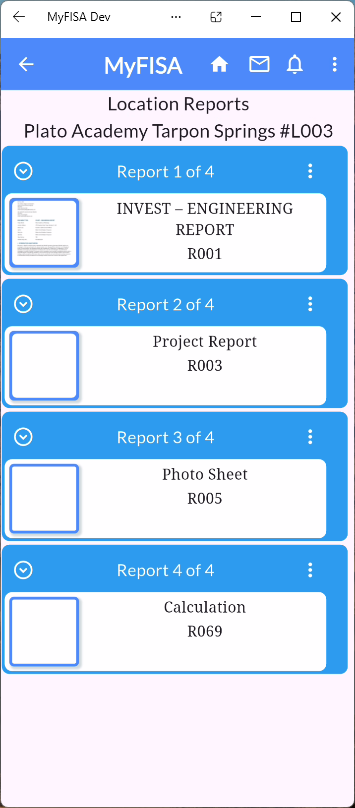
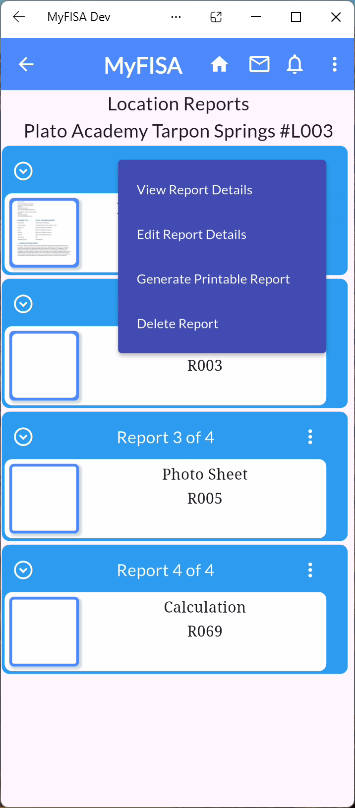
Figure 3.4: Location reports list and dynamic control menu.
Verifiable Sign-Off & Client Deliverable
Phase 5Before reaching the Adjusting Team, the report undergoes strict gatekeeping controls: checkboxes for Signed by Lead Expert and Published to Manager must be locked.
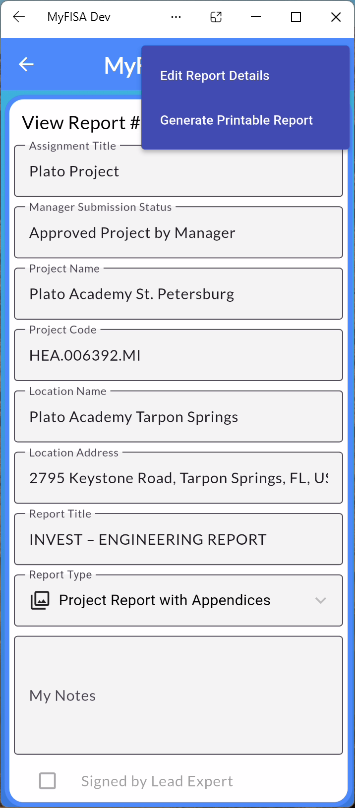
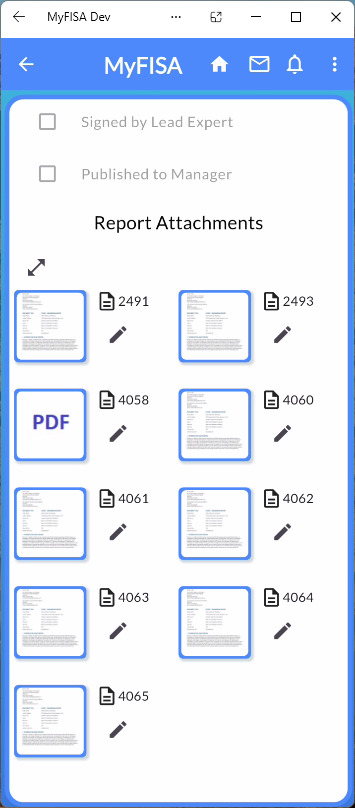
Figure 3.5: View Report Details with QA sign-offs and consolidated report attachments.